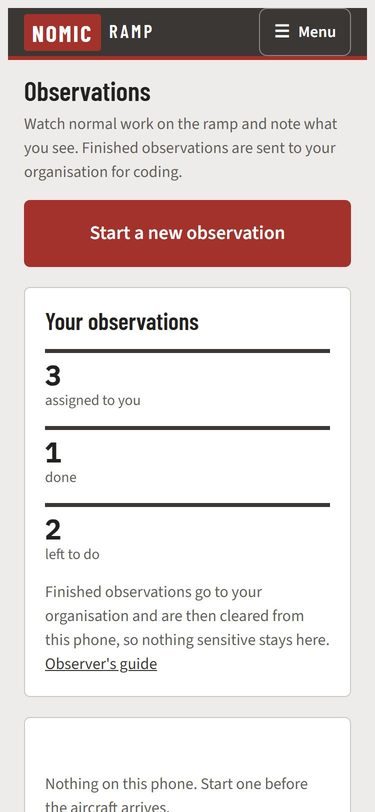
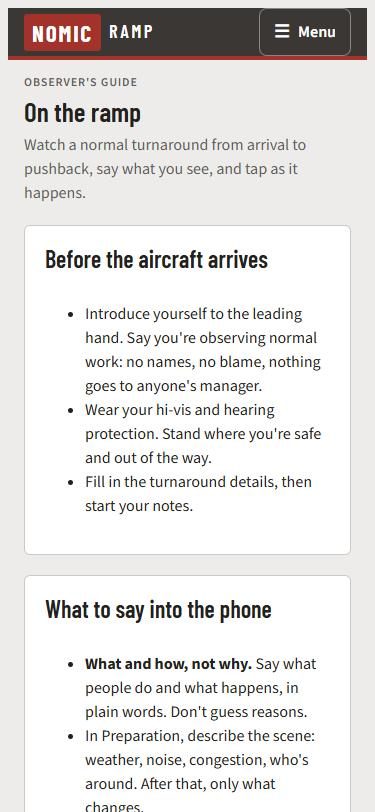
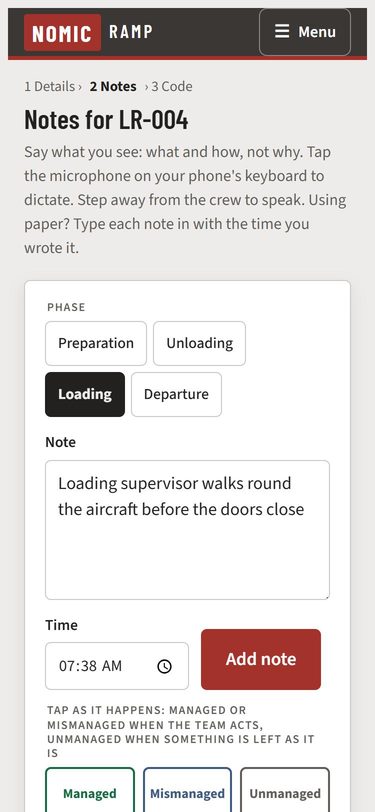
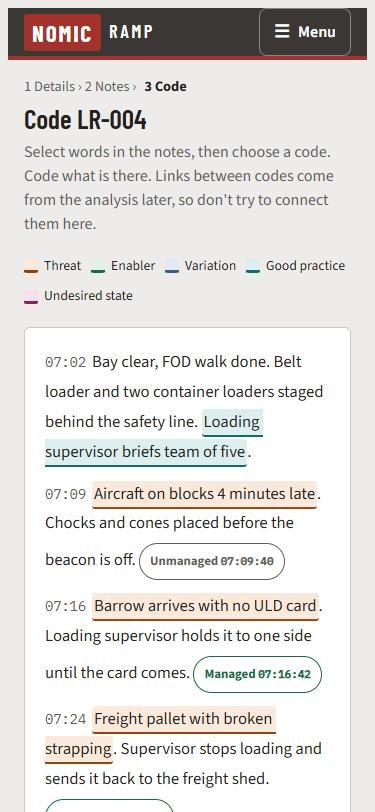
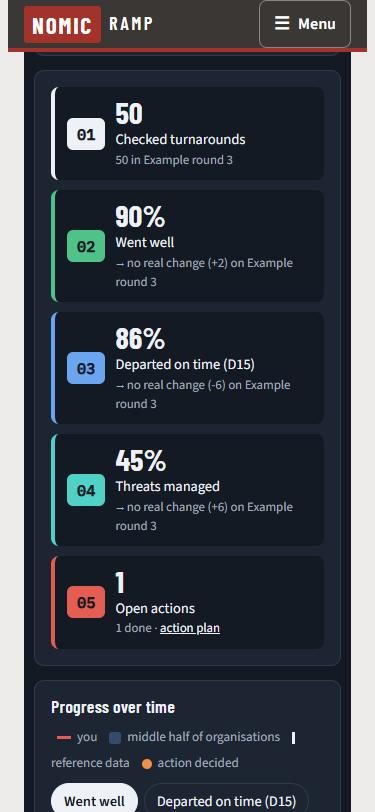
Real screens from the app, on a phone. Quick to use on the ramp, so observers keep their eyes on the work and see the risks as they happen. The observer sees only what they need to observe. Everything else, the coding, checking and results, happens at head office.
1. The observer's phoneHow many observations they've been given and how many are left. Finished ones go to head office and are cleared from the phone, so nothing sensitive stays on it.2. A guide in their pocketWhat to tell the crew, what to look for and what the taps mean. It works with no signal.3. Talk, tap, carry onThe observer speaks what they see and taps Managed, Mismanaged or Unmanaged as it happens. Each note and tap keeps its time.4. Coding afterwardsOn a computer after the turnaround, the observers or the programme team code the notes. The taps from the ramp show where to look.5. The dashboardProgress round by round, from checked observations only. Example data.